
For system, network and cloud administrators


At some point in life, I needed to delete a folder and all of its files. But I wasn’t able to. The ordinary Delete key or Shift + Delete wouldn’t delete them. Not even when entering in “Command Prompt” – the error I was receiving was “The process cannot access the file because it is being used by another process.”
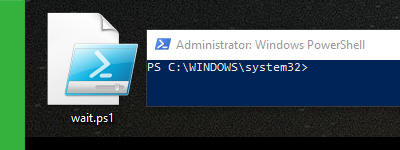
I’m using the Windows PowerShell whenever I plan on automating ordinary tasks like scheduling my computer to turn off at a specific time. And I prefer using PowerShell scripts rather than installing 3rd party software to do those ordinary tasks for me. But no matter the purpose of your PowerShell use, I believe you’ll find this small article useful.

openSUSE is the successor to SUSE Linux Professional and it has a long history, like many other Linux distributions out there. “With more than 50,000 registered users, the openSUSE project is a SUSE-sponsored community initiative that promotes the use and development of Linux everywhere.” (Source)
Follow BusyNetwork


