
For system, network and cloud administrators
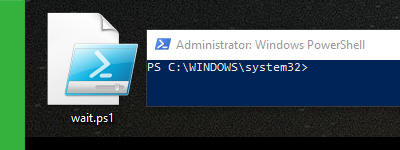
I’m using the Windows PowerShell whenever I plan on automating ordinary tasks like scheduling my computer to turn off at a specific time. And I prefer using PowerShell scripts rather than installing 3rd party software to do those ordinary tasks for me. But no matter the purpose of your PowerShell use, I believe you’ll find this small article useful.

openSUSE is the successor to SUSE Linux Professional and it has a long history, like many other Linux distributions out there. “With more than 50,000 registered users, the openSUSE project is a SUSE-sponsored community initiative that promotes the use and development of Linux everywhere.” (Source)

Whenever I need to check my hardware information in order to see if a hardware upgrade is supported officially on my desktop/laptop/server or if all of my software drivers are up to date, I always find myself in need of first finding my motherboard details. I’ve written a small tutorial on how to achieve this.

What you should know about VPNs
VPN stands for Virtual Private Network. Basically, it will allow you to access a private network. For example: you’re home and you are using your own network but you need to access the network of your work office. Well, that’s where a VPN connection will help you. Your work office will provide you the credentials of their VPN server so you can access their private network from wherever you are. This article aims to show you how you can create a VPN connection and connect to it.

Follow BusyNetwork


