I sometimes find myself needing my newly created virtual machines to have their IP reachable across my local network. Because I can’t ping my VM, I can’t seem to find its IP inside my local network. And I need it so I can do my work with it remotely, connecting via RDP, SSH, etc..
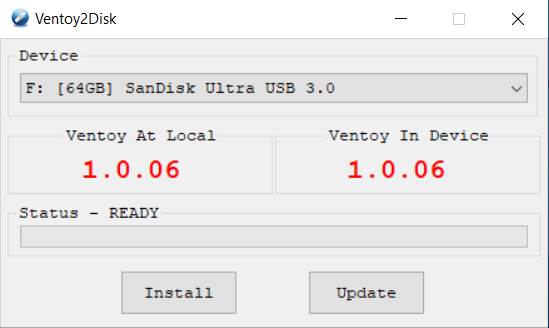
Ventoy had its first release at the beginning of April 2020. Its support across the Windows and Linux environment is already astonishingly large. I’m currently testing version 1.0.0.06 and below, you’ll see how to use it on Windows and Linux.
Knowing which Python version your Linux comes pre-installed with is definitely useful, especially if you’re a system, network admin, developer. Most Linux distributions use multiple Python versions installed on their machine – this being the reason why we’ll learn how to check for Python v2 and v3.
Windows PowerShell comes useful in my daily routine. This is a small step on showing you how to get started with Windows PowerShell and running PowerShell scripts. Let us begin :).
At some point in life, I needed to delete a folder and all of its files. But I wasn’t able to. The ordinary Delete key or Shift + Delete wouldn’t delete them. Not even when entering in “Command Prompt” – the error I was receiving was “The process cannot access the file because it is being used by another process.”